
Motion Showcase
Ambient & Texture
The garnish layer — small alive details that sit on top of a scene. Scroll fast, scroll slow, then stop and move your cursor around the button and the cards near the bottom.
The row shears with your scroll speed and eases back upright when you stop — flick the wheel hard to feel it.
ScrollTrigger.create({ onUpdate: s => skewTo(clamp(s.getVelocity() / -300)) })A doubled row loops forever at walking pace; scrolling pours energy into it — speed and direction follow your scroll, then settle back to idle.
gsap.to(track, { xPercent: -50, repeat: -1, ease: 'none' }) // timeScale follows velocity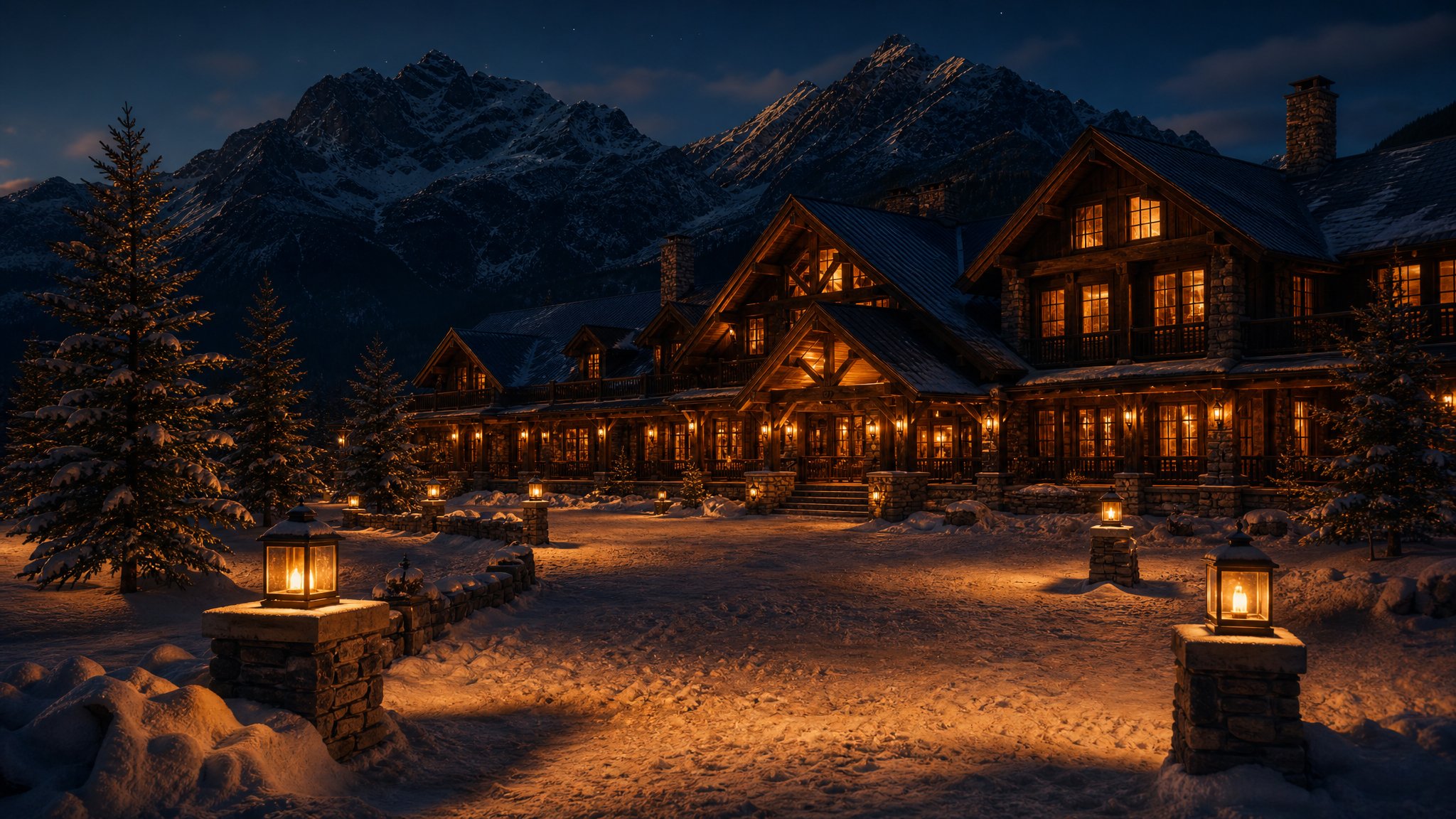
120 snowflakes from a single 32px sprite — depth drives size, fall speed and alpha, a sine wave drives the twinkle. The loop only runs while this scene is on screen.
ScrollTrigger.create({ pin: true, onToggle: s => s.isActive ? startRaf() : stopRaf() })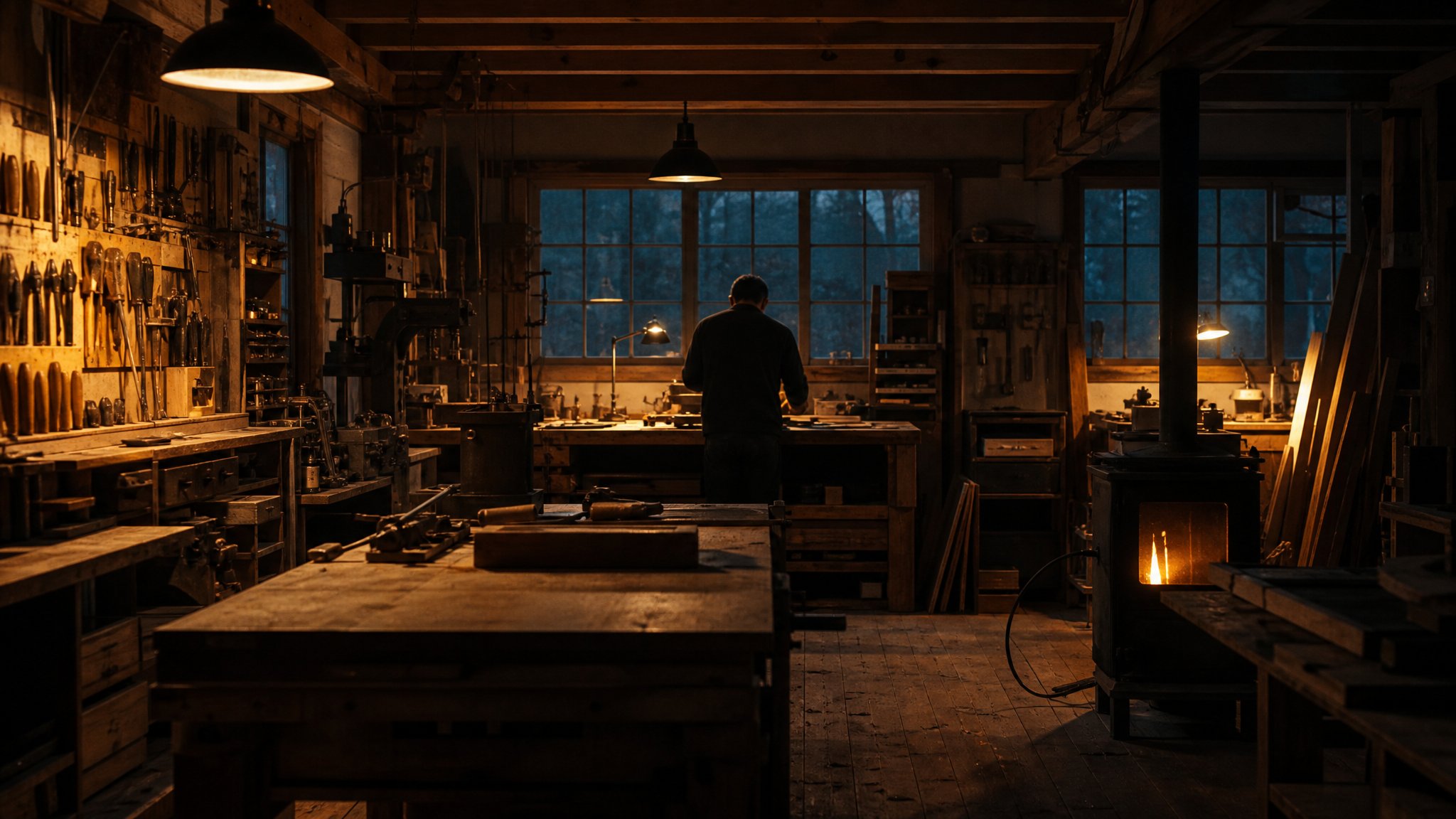
An SVG feTurbulence tile at low opacity, its position jumped in steps — cheap 35mm film grain with no video file and no canvas.
feTurbulence tile → gsap.to(grain, { backgroundPosition: '240px 160px', ease: 'steps(7)', repeat: -1 })Within 120px the button leans toward your cursor; leave and it snaps home on an elastic. Desktop pointers only — touch never sees it.
const xTo = gsap.quickTo(btn, 'x', { duration: 0.9, ease: 'elastic.out(1, 0.35)' })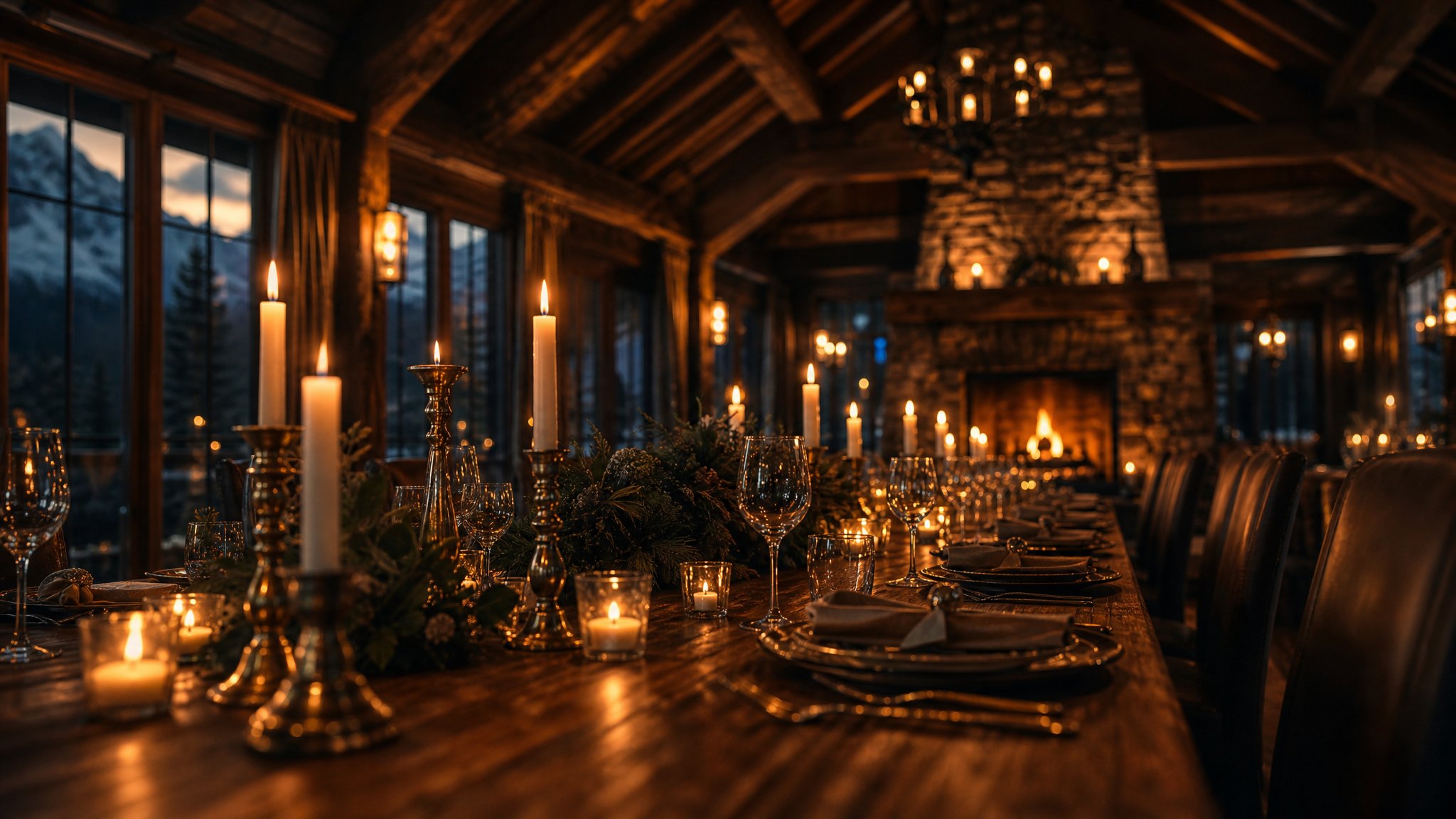 The table
 The stage
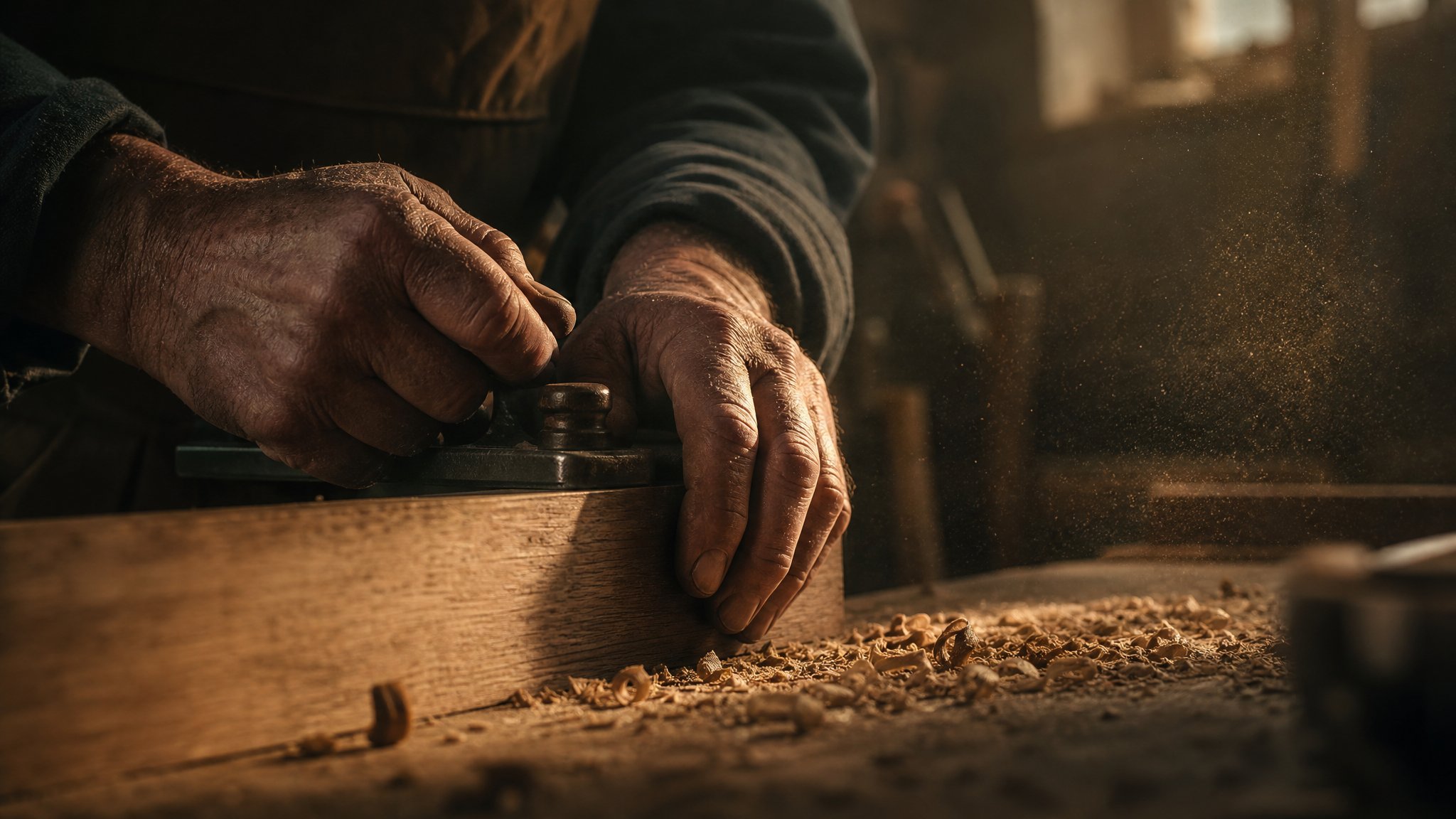 The hands
Each card tilts up to six degrees toward the cursor on a 700px perspective — enough to feel dimensional, never enough to feel like a gimmick.
quickTo(card, 'rotationY')((cursorX - 0.5) * 12) // clamped to ±6°Keep going
Next up: a real film scrubbed frame-by-frame by your scroll position.